Find and Organize Your Literature To Expedite Your Research
Sign up for the waitlist to get early access!
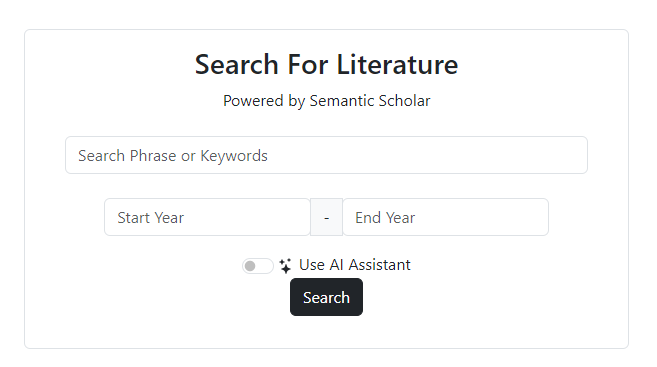
Find literature through search with or without AI assistance.
Directly search and add references through Semantic Scholar within the platform. You can choose to generate your own keywords or use the AI assistant to add a question or sentence and have AI generate keywords for you.
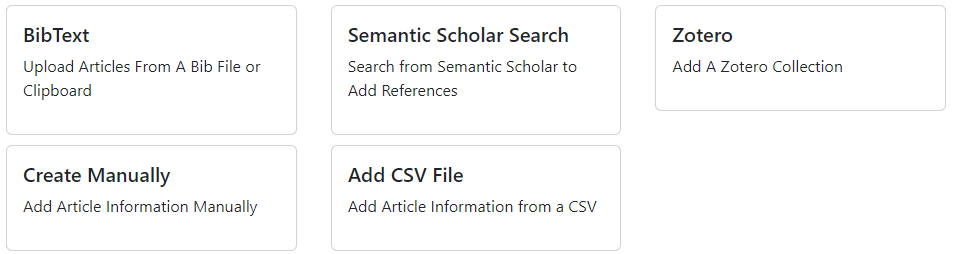
Import references from Zotero, bibtext, and even CSV files.
Import references from multiple different sources without duplication. Import your notes and references from Zotero, then combine information for those references with a .csv file!
Organize information as you read a reference with or without AI!
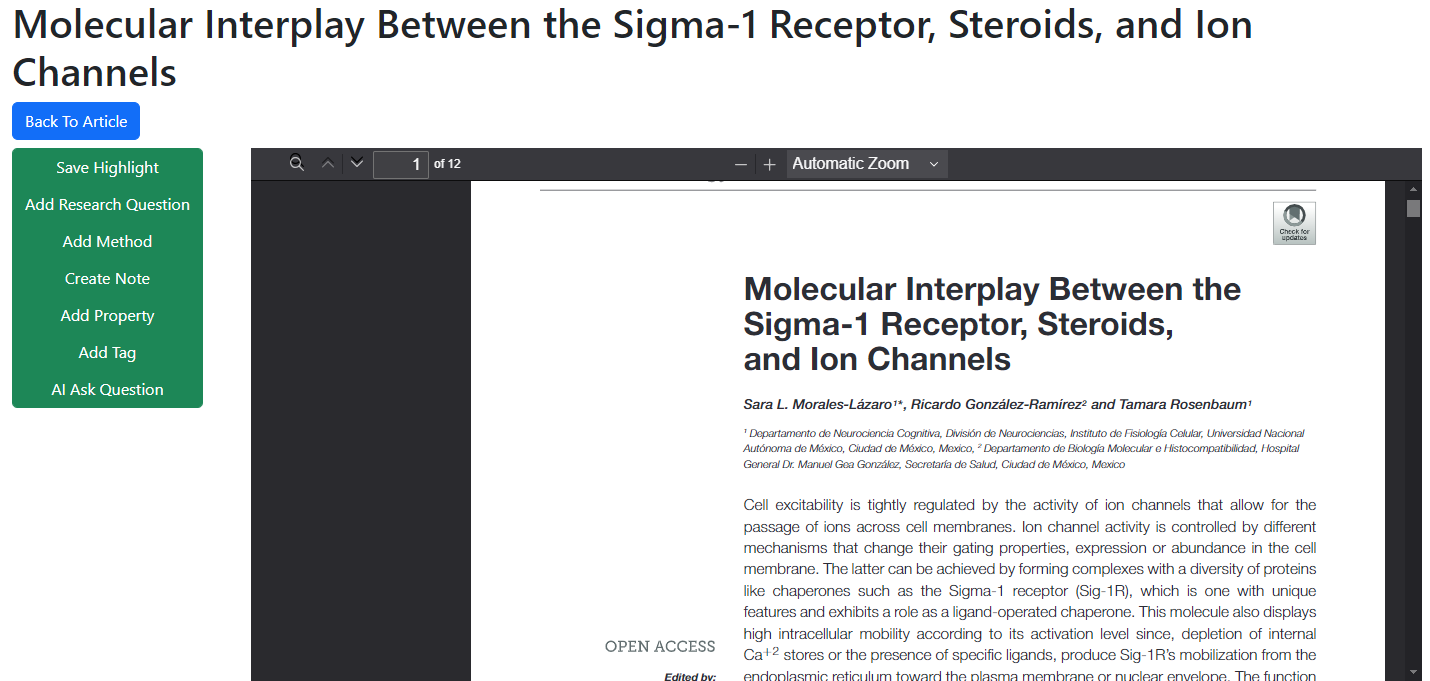
Read your reference directly in the platform by finding an open-source PDF or uploading your own PDF. While reading, you can easily extract information, add research questions and methods, or use AI to ask questions about your PDF.
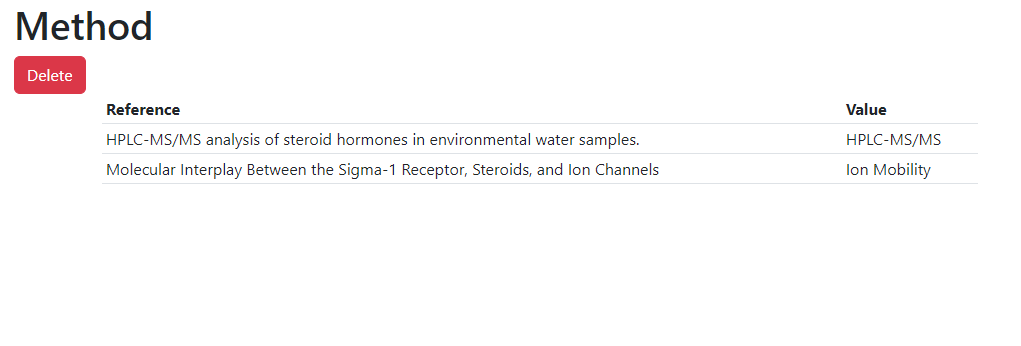
Save properties of an article to be able to easily find information!
Easily organize information from articles using properties. You can create your own properties and store information in easy-to-use tables.
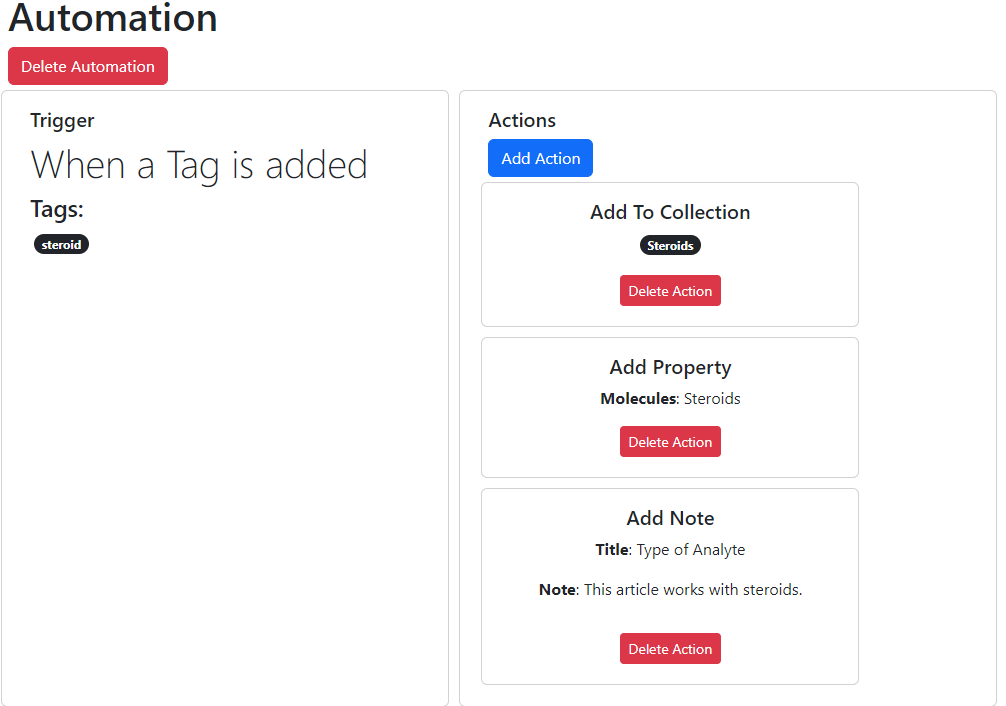
Automate adding tags, collections, properties, and notes!
Cut down your work by creating automations! You can easily conduct multiple organizational tasks with a single task. Just set up your automation and let it run for you!
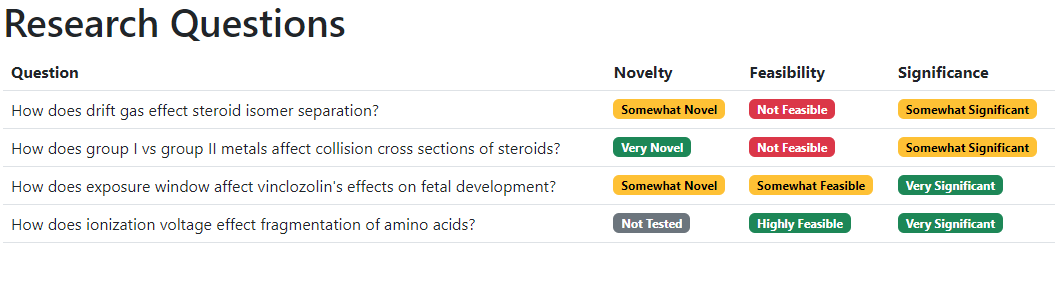
Organize and test your research questions.
Add your research questions to keep them organized. Then, you can add references to them and test your research questions to determine which is worth pursuing!
Organize references and information on methods.
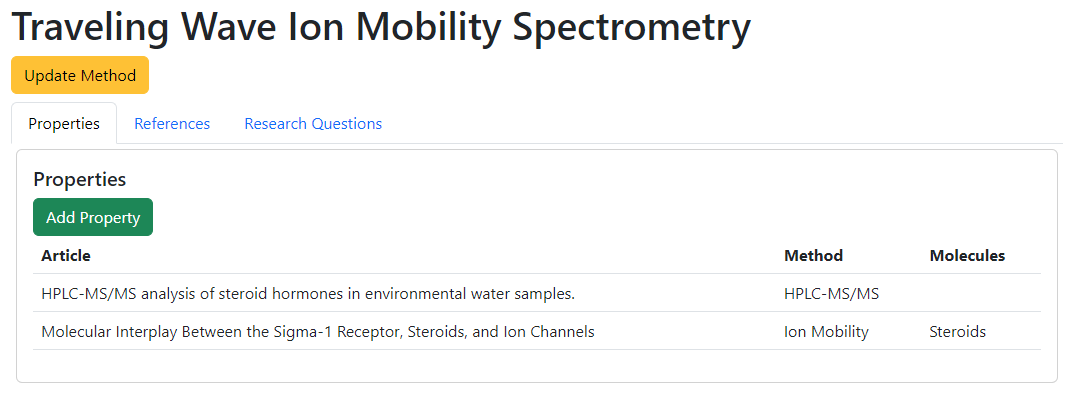
Easily organize the different methods you come across so that you can use them in the future. Within Methods, you can add properties to a method to understand how references use that method, add references directly, and add research questions so you know which methods you may want to explore to answer the questions.